
How to Avoid App Store Developer Program License Agreement Violation?
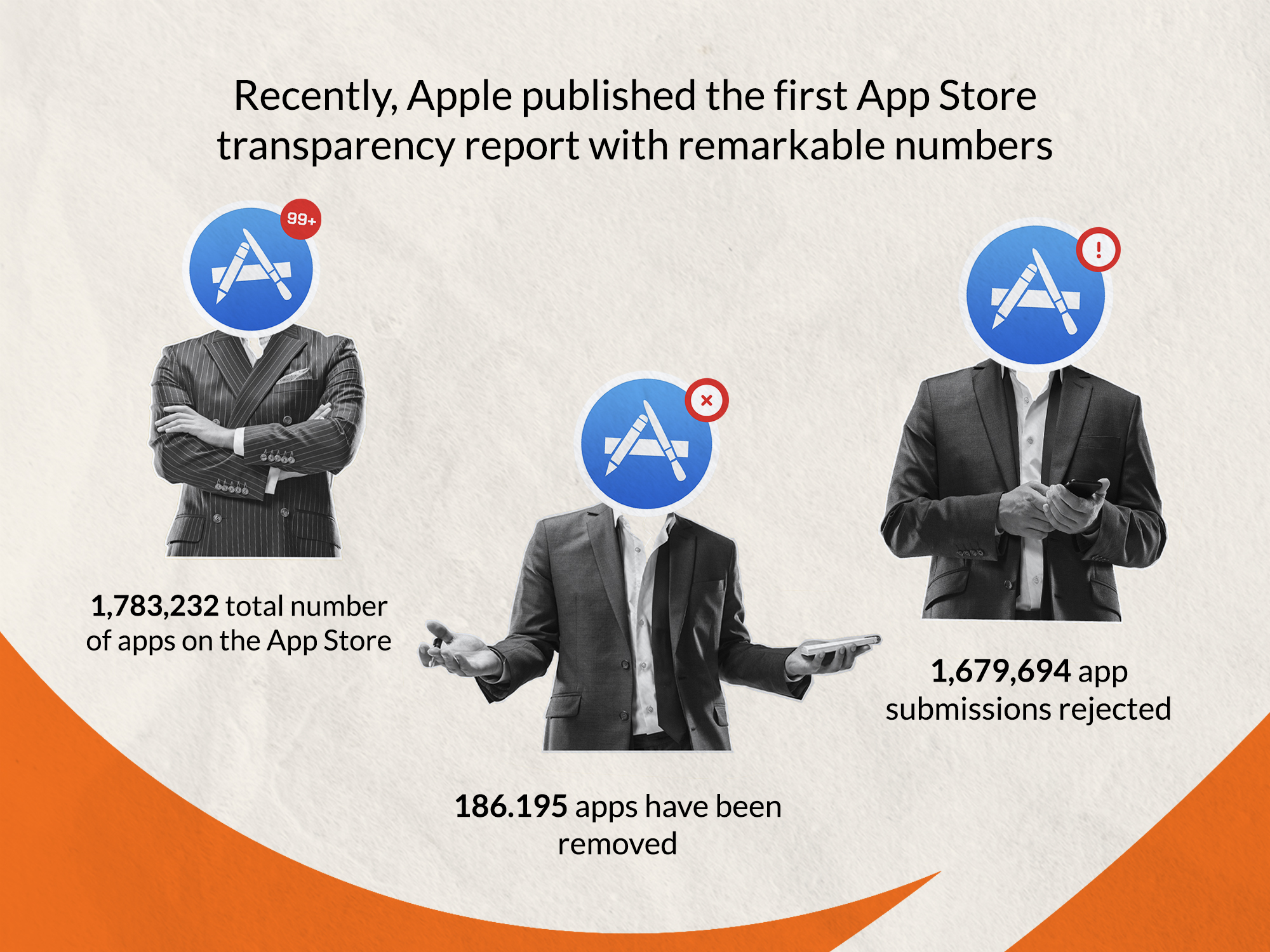
How to Avoid App Store Developer Program License Agreement Violation? Recently, Apple made a significant move towards transparency by publishing its first App Store transparency report, which provides valuable insights into the platform's operations. The report highlights some remarkable numbers, including a total of 1,783,232 apps on the App Store. However, it's worth noting that 186,195 apps have been removed, and a staggering 1,679,694 app submissions have been rejected.
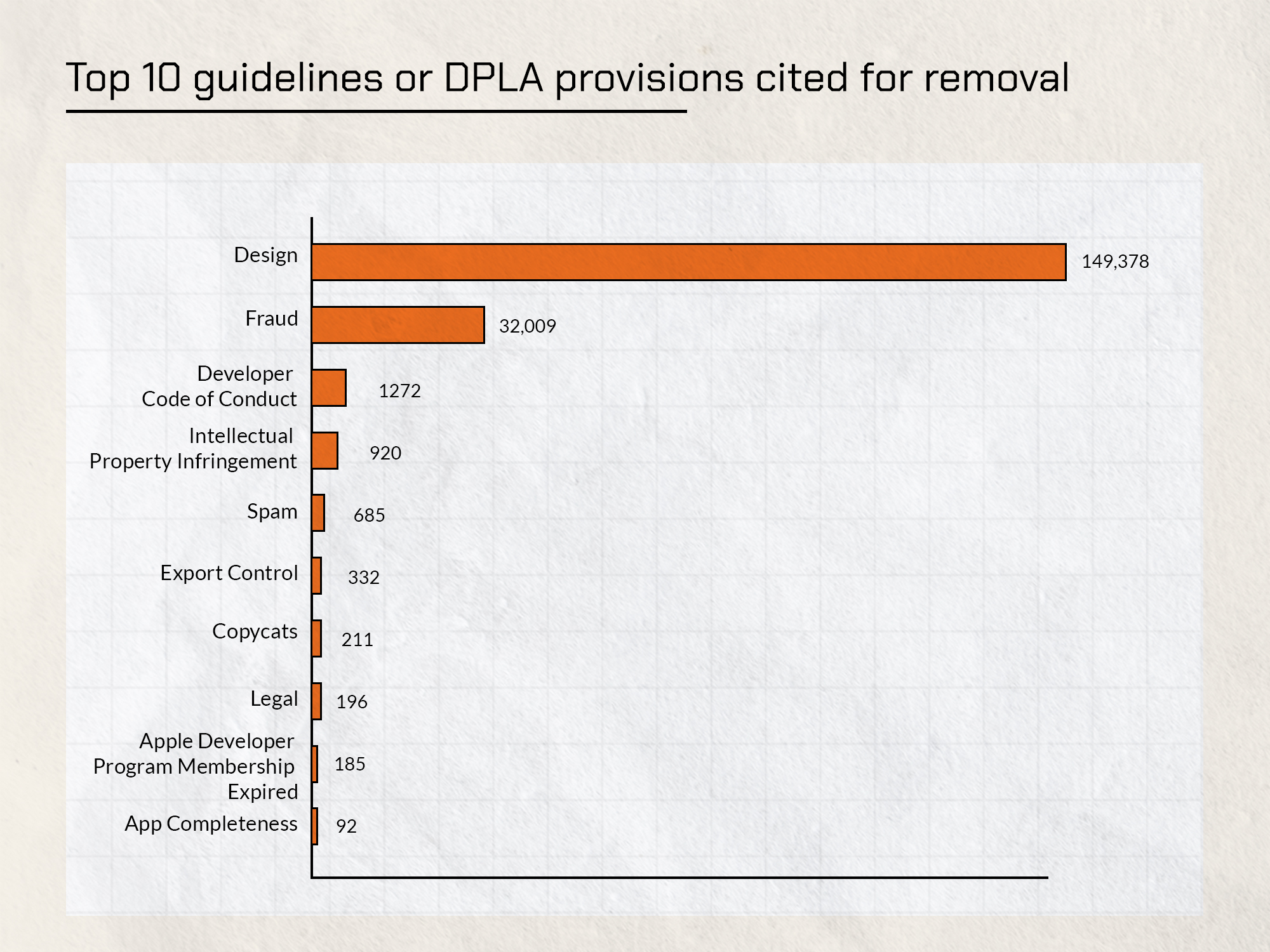
The report also sheds light on the top 10 guidelines or DPLA (Developer Program License Agreement) provisions that were cited for app removal. These include issues related to design, fraud, the developer code of conduct, intellectual property infringement, spam, export control, copycats, legal matters, expired developer program membership, and app completeness.
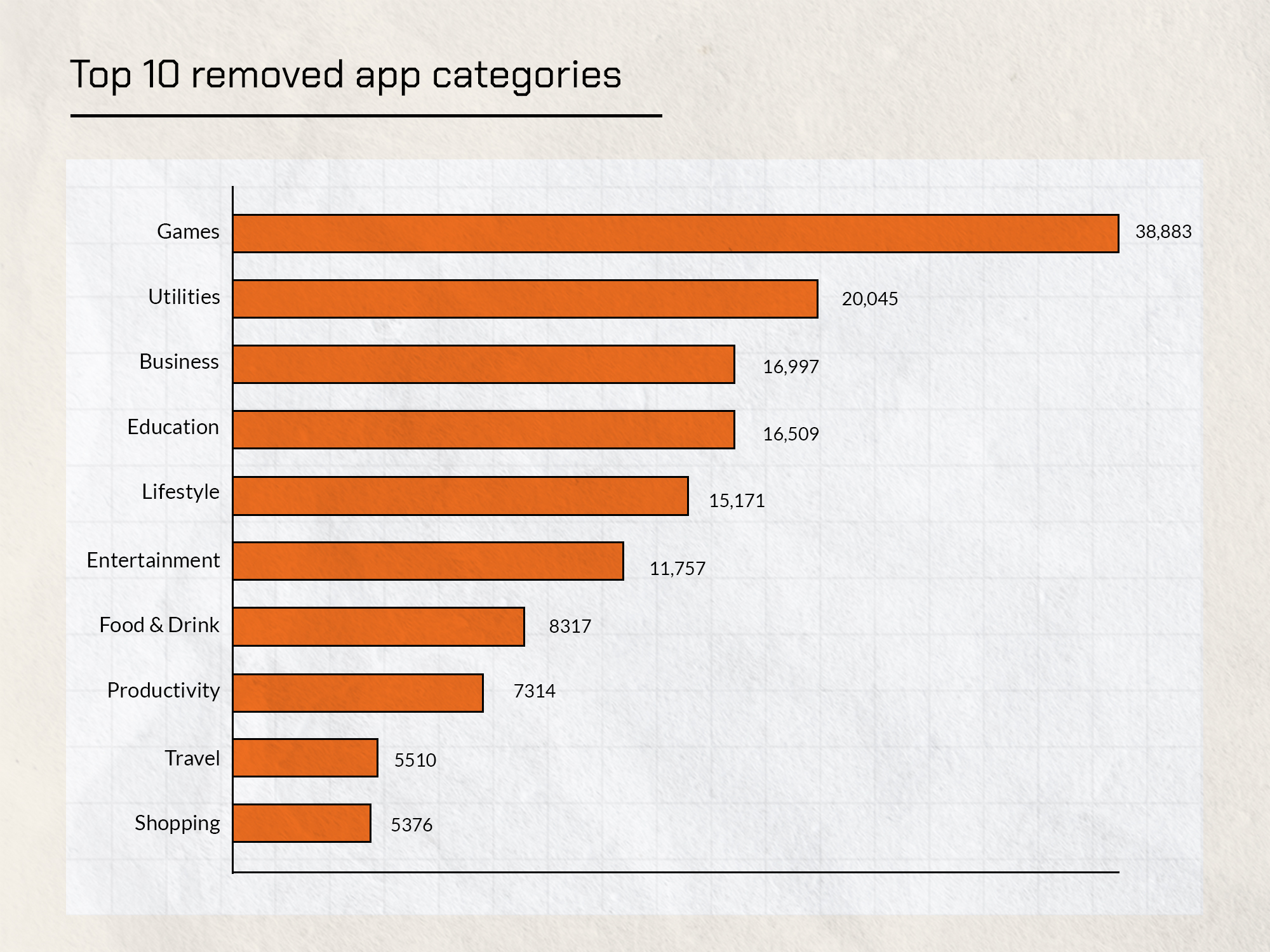
Furthermore, the report outlines the top 10 removed app categories, with games, utilities, business, education, and lifestyle taking the lead. These numbers emphasize the importance for developers to be aware of the guidelines and provisions in order to avoid App Store Developer Program License Agreement violations.
To learn more about how to navigate this landscape and ensure compliance, read our detailed guide on "How to Avoid App Store Developer Program License Agreement Violation?"
Requirements follow to Avoid App Store Developer Program License Agreement Violation.
Thoroughly understand the guidelines to Avoid App Store Developer Program License Agreement Violation.
- Read the App Store Review Guidelines: Start by carefully reading and studying Apple's App Store Review Guidelines. These guidelines outline the standards and requirements that your app must meet to be approved for the App Store. Familiarize yourself with each section and the specific guidelines relevant to your app's category.
- Interpret the Guidelines: Take the time to understand the intent and purpose behind each guideline. Apple provides explanations and examples for many of the guidelines to clarify their expectations. Consider how each guideline applies to your app and its features.
- Keep Up with Updates: Apple occasionally updates its guidelines to reflect changes in technology, industry trends, and user expectations. Stay updated with the latest version of the guidelines to ensure that your app remains compliant. Review any updates or revisions thoroughly to understand any new requirements.
- Seek Clarification: If you come across any guideline that is unclear or ambiguous, reach out to Apple's developer support for clarification. They can provide additional information or examples to help you better understand how to meet the guideline requirements.
- Study Approved Apps: Analyze successful apps in your category that have been approved by the App Store. Examine their design, features, and functionality to gain insights into how they align with the guidelines. This can give you a better understanding of how to structure and present your app.
- Learn from Rejected Apps: Review examples of apps that were rejected from the App Store and understand the reasons behind their rejection. This will help you avoid similar pitfalls and ensure that your app complies with the guidelines. Apple often provides specific feedback and suggestions when rejecting an app, so pay attention to those details.
- Consult Apple's Resources: Apple provides additional resources, such as the Apple Developer website, developer forums, and technical documentation, which can further clarify the guidelines. Take advantage of these resources to gain deeper insights into the requirements and recommendations.
- Seek Professional Advice: If you are unsure about certain guidelines or want to ensure that your app meets the standards, consider consulting with experienced app developers or professionals who specialize in App Store compliance. They can provide guidance and review your app to identify any potential violations.
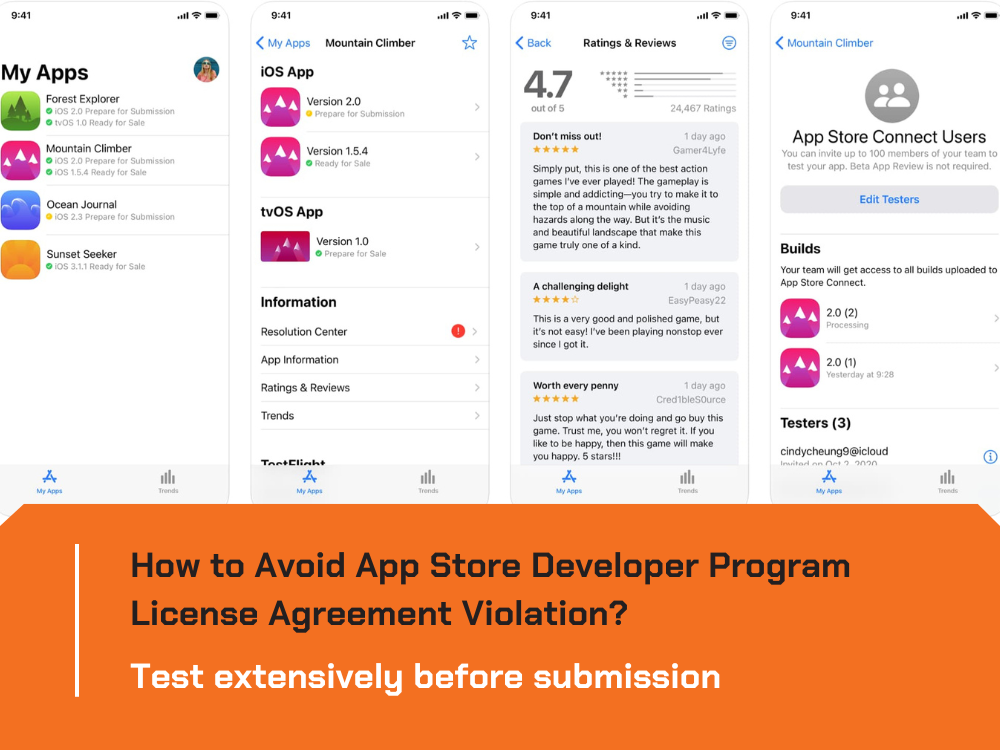
Test extensively before submission.
To Avoid App Store Developer Program License Agreement Violation, you need to follow:
- Functional Testing: Test all the functionalities of your app thoroughly to ensure they work as intended. This includes testing user interactions, navigation, buttons, forms, data input/output, and any specific features or functionalities unique to your app. Identify and fix any bugs, crashes, or issues that may arise during testing.
- Compatibility Testing: Ensure that your app functions correctly on different devices, screen sizes, and operating system versions. Test your app on various iPhone and iPad models, as well as different iOS versions, to verify its compatibility and responsiveness. Pay attention to any device-specific requirements or limitations mentioned in the guidelines.
- Performance Testing: Evaluate the performance of your app to ensure it runs smoothly and without any lag or excessive resource consumption. Test the app under different scenarios, such as low network connectivity or high data usage, to ensure it performs optimally. Monitor factors like app launch time, response time, memory usage, and battery consumption.
- Usability Testing: Assess the usability of your app by gathering feedback from real users or conducting user testing sessions. Pay attention to user interface (UI) design, ease of navigation, intuitive controls, and overall user experience. Address any usability issues or confusion that may arise during testing to enhance the app's usability.
- Security Testing: Verify that your app follows security best practices and protects user data. Test for vulnerabilities, such as data leakage, insecure connections, or unauthorized access to sensitive information. Implement appropriate security measures, such as encryption, secure APIs, and user authentication, to safeguard user data and maintain user privacy.
- Localization Testing: If your app supports multiple languages or regions, conduct thorough testing to ensure accurate translations, proper formatting, and adherence to cultural norms. Test the app in different locales to verify that it functions correctly and provides a seamless experience for users worldwide.
- Accessibility Testing: Consider accessibility guidelines and ensure that your app is accessible to users with disabilities. Test the app using assistive technologies, such as VoiceOver, to ensure proper support for features like screen readers, alternative text for images, and adjustable text sizes. Make necessary adjustments to improve accessibility if required.
- Regression Testing: Whenever you make updates or modifications to your app, perform regression testing to ensure that existing functionalities are not affected and that new changes do not introduce new bugs or issues. Retest critical areas of the app that could be impacted by the changes.
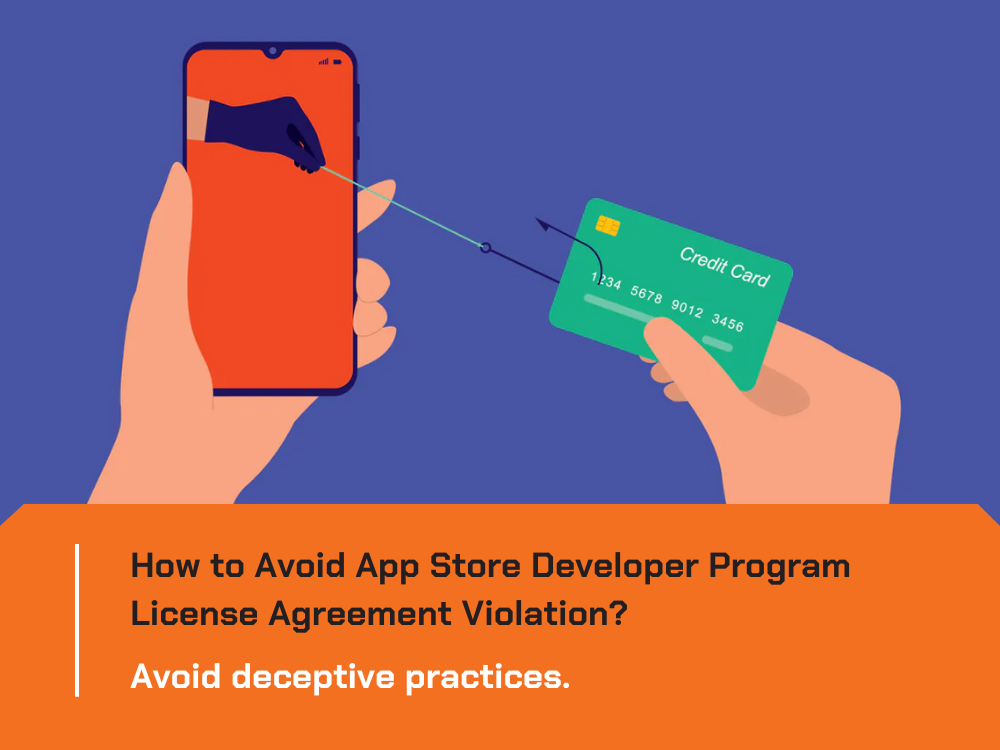
Avoid deceptive practices.
In order to Avoid App Store Developer Program License Agreement Violation, there are guidelines below to avoid deceptive practices:
- Clear and Honest Descriptions: Provide accurate information about your app without exaggerations or false claims.
- Transparent User Interface: Design a user-friendly interface that is easy to navigate and understand.
- Authentic User Reviews: Encourage genuine reviews and avoid manipulating or incentivizing users for positive feedback.
- Accurate Advertising: Represent your app truthfully in advertisements to set proper user expectations.
- In-App Purchases: Clearly describe the content and benefits of in-app purchases without misleading pricing or hidden costs.
- Privacy and Data Handling: Handle user data responsibly and comply with privacy laws in your app's privacy policy.
- Permissions and User Consent: Request permissions for legitimate purposes and explain why they are necessary.
- No Malicious or Harmful Behavior: Ensure your app does not engage in any malicious activities that compromise user security.
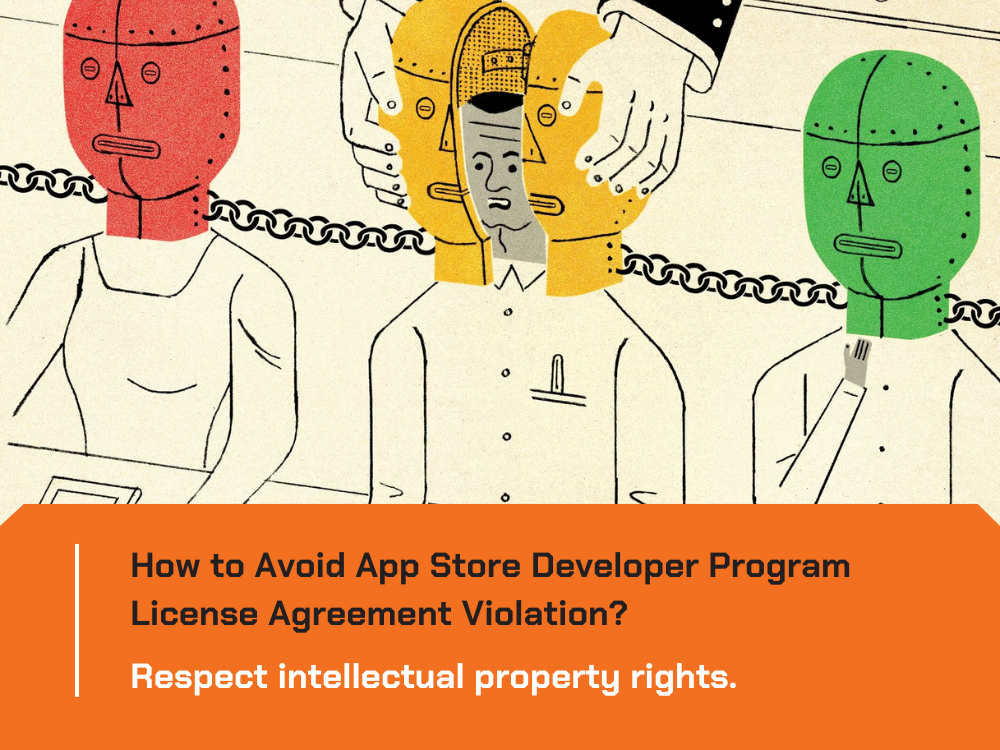
Respect intellectual property rights to Avoid App Store Developer Program License Agreement Violation.
Respecting intellectual property rights is crucial to ensure your app meets Apple's quality standards. Here are some key points to consider to Avoid App Store Developer Program License Agreement Violation:
- Original Content: Create and use original content in your app, such as graphics, images, audio, and video, to avoid copyright infringement.
- Obtaining Permissions: If you need to use copyrighted material, such as trademarks, logos, or third-party content, obtain proper permissions from the rights holders.
- Intellectual Property Laws: Familiarize yourself with intellectual property laws and regulations, both internationally and within your target markets.
- Trademark Usage: Properly use trademarks, including Apple's, by their usage guidelines to avoid any trademark violations.
- Third-Party Libraries and Code: Ensure that you have the necessary rights and licenses to use any third-party libraries, frameworks, or code snippets in your app.
- App Name and Branding: Choose a unique and distinctive app name and branding that does not infringe on any existing trademarks or copyrights.
- Copyright Notices: Include appropriate copyright notices and attributions for any third-party content used in your app.
- Intellectual Property Complaints: Promptly address any intellectual property infringement complaints or notifications received and take necessary actions to resolve them.
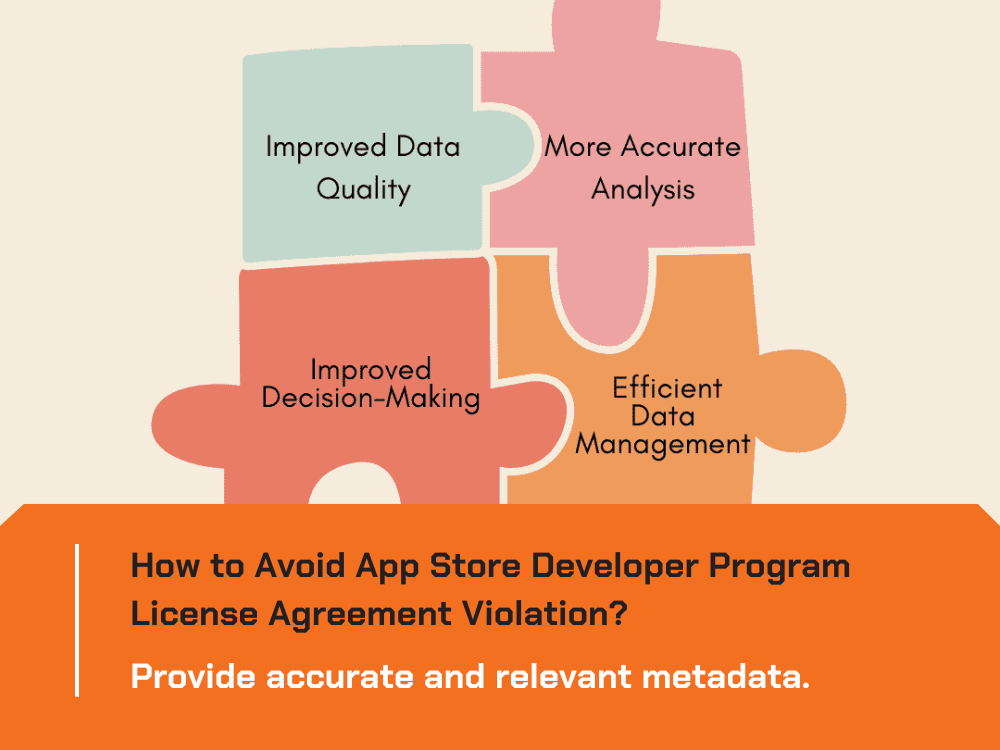
Provide accurate and relevant metadata.
App metadata, including app name, keywords, screenshots, and descriptions, should accurately reflect your app's features and functionality. Avoid using irrelevant or misleading information to manipulate search results.
Ensure privacy and data security.
Ensuring privacy and data security is of utmost importance to Avoid App Store Developer Program License Agreement Violation. Here are some essential aspects to consider:
- User Data Collection: Communicate to users what data your app collects and how it is used. Minimize the collection of personally identifiable information (PII) to what is necessary for app functionality.
- Data Encryption: Implement strong encryption methods to protect user data both in transit and at rest. Utilize secure communication protocols, such as HTTPS, for data transmission.
- App Permissions: Request user consent and permissions before accessing sensitive data or device features, such as location, contacts, camera, or microphone. Only collect data with explicit user permission.
- Data Storage and Retention: Store user data securely and for the minimum required duration. Implement proper data retention and disposal practices to safeguard user privacy.
- Third-Party Services: If integrating third-party services or APIs, ensure they have robust privacy and security measures in place. Review their privacy policies and data handling practices to maintain compliance.
- Privacy Policy: Have a comprehensive and transparent privacy policy that outlines how user data is handled, shared, and protected. Make it easily accessible within your app and provide a link to it in the App Store listing.
- User Consent and Control: Offer users control over their data by providing options to manage preferences, opt out of data collection, and delete their account or data if desired.
- Regular Security Audits: Conduct regular security audits and vulnerability assessments to identify and address any potential weaknesses or risks to user data.
Comply with advertising and monetization policies.
- Ad Networks: If you integrate third-party ad networks or services, ensure they are reputable and adhere to Apple's guidelines. Review their policies on ad content, user tracking, and data collection to ensure compliance.
- Ad Placement: Advertisements should be displayed in a manner that does not interfere with the user experience or deceive users. Avoid placing ads in a way that may lead to accidental clicks or interfere with app functionality.
- Ad Content: Advertisements should not contain offensive, inappropriate, or misleading content. Ensure that ads align with Apple's guidelines and adhere to local laws and regulations.
- Monetization Models: If your app includes in-app purchases or subscriptions, follow Apple's guidelines for pricing, billing, and providing value to users. Communicate the terms and conditions of any paid features or content.
- Incentivized Actions: Avoid incentivizing users to engage in certain actions, such as downloading other apps or leaving positive reviews, as this can violate Apple's guidelines and compromise the integrity of the app ecosystem.
- Data Collection and Tracking: If your app uses targeted advertising or collects user data for ad purposes, obtain user consent and adhere to Apple's policies regarding data collection, tracking, and user privacy.
- User Transparency: Disclose to users any data collected for advertising purposes and provide options to opt out of personalized advertising if applicable.
- Review Advertising Policies: Regularly review Apple's advertising policies to stay updated on any changes or new requirements. Ensure ongoing compliance with the latest guidelines.
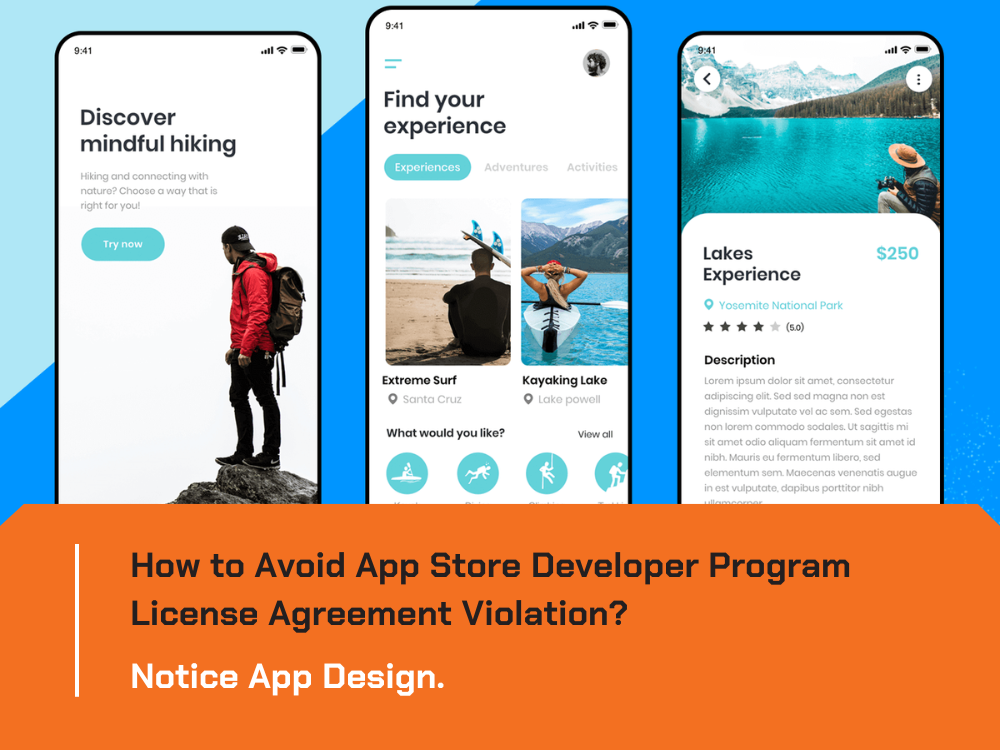
Notice App Design.
When it comes to app design, there are several important aspects to consider in order to Avoid App Store Developer Program License Agreement Violation. Here are some key points to keep in mind:
- User Interface (UI) and User Experience (UX): Create an intuitive and user-friendly interface that provides a seamless experience for your app users. Ensure that your app's UI/UX adheres to Apple's design guidelines and promotes ease of navigation, clarity, and accessibility.
- App Icons and Screenshots: Design visually appealing and representative app icons and screenshots that accurately reflect your app's content and features. Avoid using misleading graphics or images that could misrepresent your app's functionality.
- Intellectual Property: Respect intellectual property rights and avoid using unauthorized trademarks, logos, or copyrighted material in your app's design elements. Create original, distinctive designs that do not infringe upon the rights of others.
- Content and Imagery: Ensure that all textual and visual content within your app aligns with Apple's guidelines. Avoid displaying offensive, discriminatory, or inappropriate content. If your app includes user-generated content, implement effective moderation mechanisms to filter out objectionable material.
- Advertising and In-App Purchases: If your app includes advertisements or in-app purchases, design them in compliance with Apple's guidelines. Advertisements should be clearly labeled and should not interfere with the app's functionality. In-app purchases should be transparent, and clearly presented, and follow Apple's guidelines for pricing and disclosure.
- Accessibility: Make your app accessible to users with disabilities by incorporating accessibility features and adhering to Apple's accessibility guidelines. Ensure that your app's design accommodates features such as VoiceOver, Dynamic Type, and Color Contrast.
- Push Notifications: If your app sends push notifications, use them judiciously and avoid excessive or irrelevant notifications that may frustrate users. Obtain user consent before sending notifications and provide users with the ability to manage their notification preferences.
- App Store Metadata: Ensure that your app's metadata, including app name, keywords, descriptions, and screenshots, accurately represents the app's features and functionality. Avoid using misleading information or keywords that are unrelated to your app.
- Regular Updates: Continuously monitor your app's design and functionality for any violations or issues. Stay updated with Apple's guidelines and make necessary updates to your app to remain compliant. Regularly release updates to address any bugs, improve user experience, and incorporate new design features.
Monitor and respond to user feedback.
To Avoid App Store Developer Program License Agreement Violation, you need to actively engage with user reviews and feedback, addressing any issues or concerns promptly. This demonstrates your commitment to improving your app and providing a positive user experience.
Stay informed about legal requirements.
Keep yourself updated on relevant legal requirements, such as accessibility guidelines, age restrictions, and regional regulations. Comply with local laws and regulations applicable to your app's content and functionality.
Seek professional guidance if needed.
If you have complex features or are unsure about specific guidelines to Avoid App Store Developer Program License Agreement Violation, consider consulting with legal experts or app review professionals who can provide guidance and ensure compliance.
Tags
Avoid App Store Developer Program License Agreement ViolationApp Store GuidelinesApple Transparency ReportVMO Tech BlogMobile App DevelopmentFEATURED POST

May 23rd 2023
Technology Weekly: AWS to Invest $12.7 Billion in India and more
In this week's tech news roundup, we bring you the latest updates on significant developments in the technology industry.

May 24th 2023
Revolutionization Logistics: Implementing Salesforce's Best Practices
In this article, let's explore how Salesforce is transforming the logistics industry and the specific benefits it brings to the table.

May 30th 2023
Unveiling the Hidden Power of SAP Security Optimization
In this article, we will explore this often overlooked aspect of SAP and shed light on the benefits it can bring to organizations.


